

Resources
All the support you need to get the most from your
twiist™ Automated Insulin Delivery (AID) System.
Find resources here that will ensure your journey with twiist is as
successful as possible.
Search our resources
Thank you! Your submission has been received!
Oops! Something went wrong while submitting the form.
.webp)
.webp)
Which one applies to you?

Using the pump
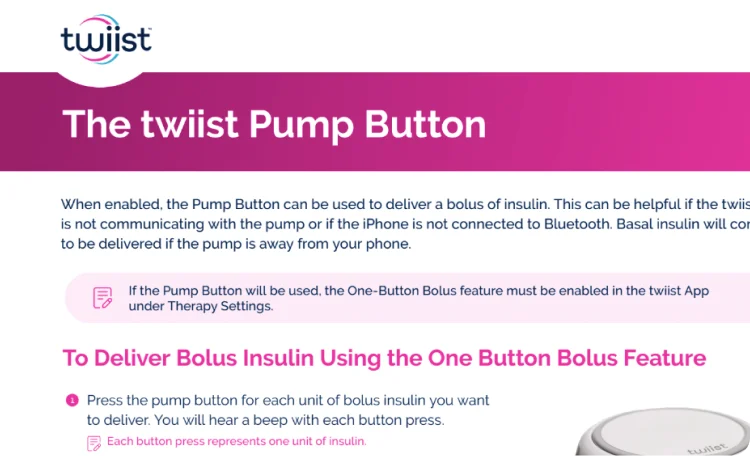 twiist Pump Button
The pump button on the side of twiist is a way to bolus when you’re not near your phone or compatible smartwatch. See how the button works.
.webp) How to Suspend and Resume Insulin Delivery
How to Suspend and Resume Insulin DeliveryStep-by-step instructions for pausing and restarting insulin delivery on the pump.
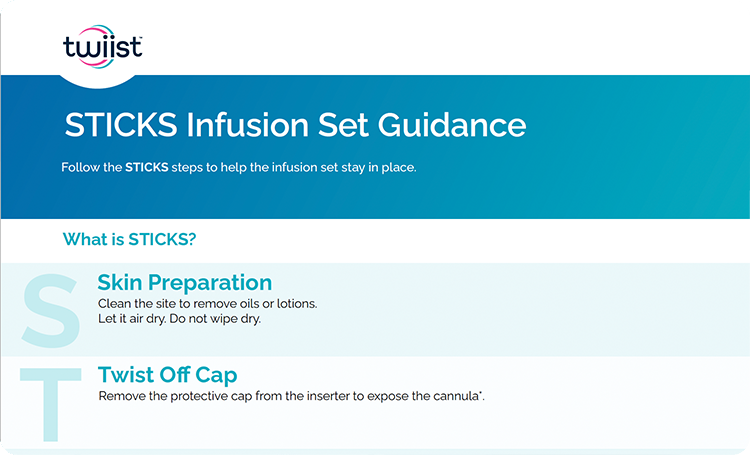 STICKS Method for Infusion Set Placement
STICKS is a step-by-step guide for attaching your infusion set.
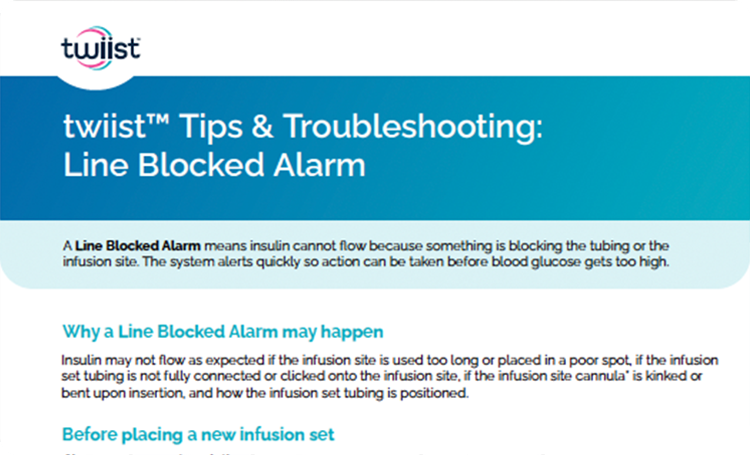 Tips & Troubleshooting: Line Blocked Alarm
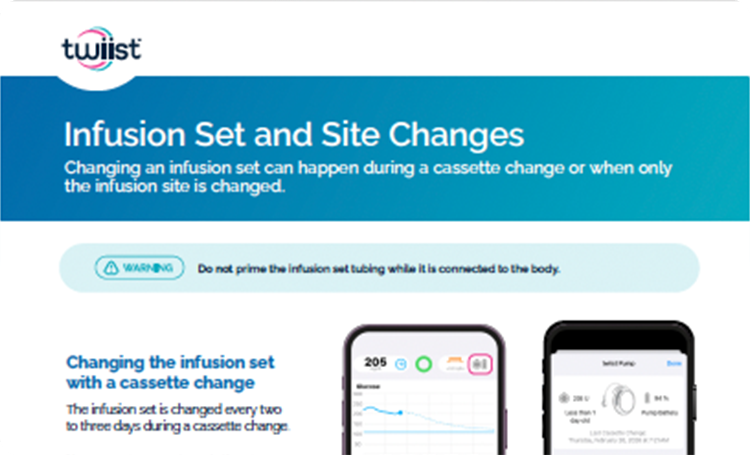
It is possible for insulin to get blocked in the tubing or at the infusion site. These are the steps for troubleshooting a "line blocked" alarm on the pump, including instructions for changing an infusion set.
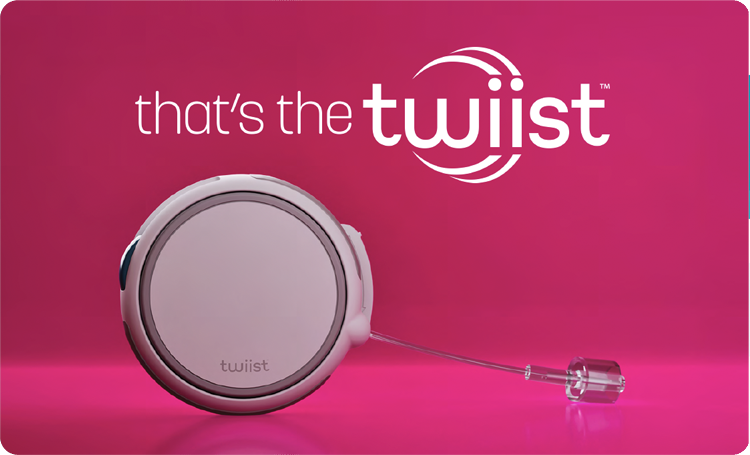 twiist Brochure
A general overview brochure introducing the twiist System and its features. It speaks to all the ways twiist lets you personalize insulin delivery, accurately delivers each dose, and gives you more confidence when managing your glucose.
 Infusion Set Insertion Made Simple: The STICKS Method
A step-by-step video demonstration of the STICKS method for attaching infusion sets.
 Keeping Your twiist Pump Powered: Quick Guide to Charging twiist Batteries
A video guide that shows how to properly charge twiist’s batteries.
 twiist Cassette Change Process
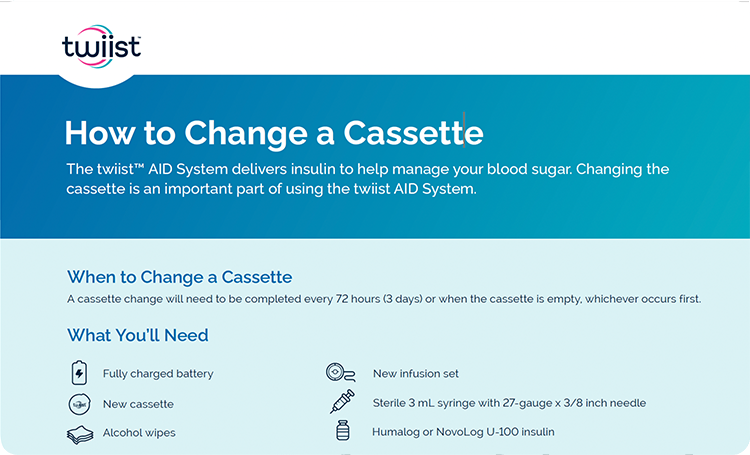
A video demonstration of how to change and refill the insulin cassette on twiist.
 NEW twiist Automated Insulin Delivery (AID) System User Guide 1.18
The most current full user manual for the twiist AID System.
twiist Automated Insulin Delivery (AID) System User Guide 1.17A prior version of the full user manual.
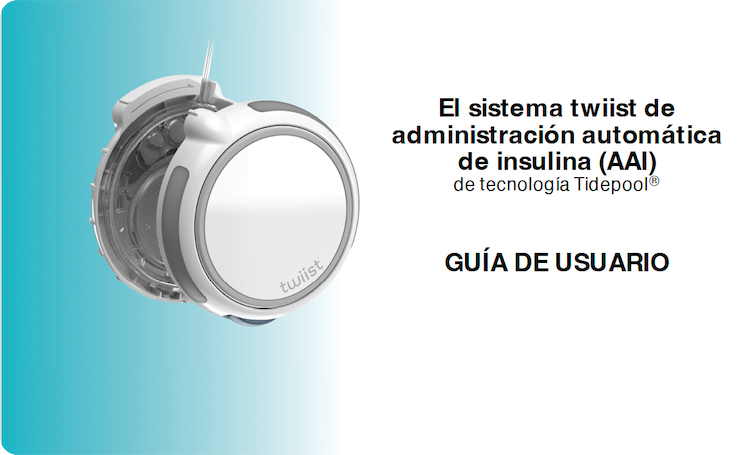 El sistema twiist de administración automática de insulina (AAI) GUÍA DE USUARIO 1.15 ES-US
The Spanish-language version of the 1.15 user guide.
Using the app
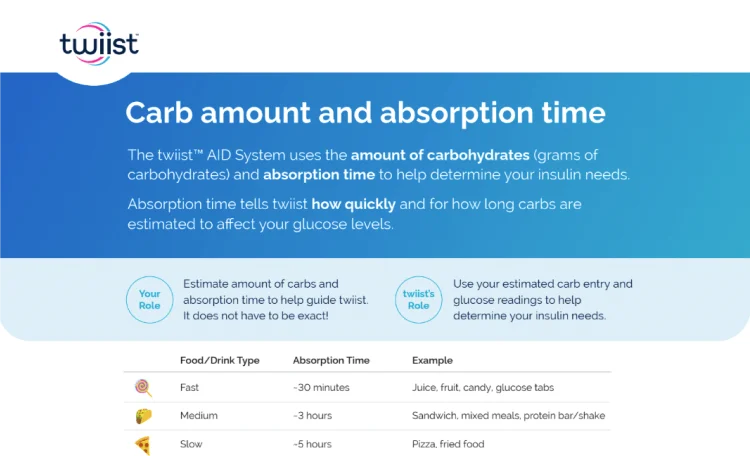 Carb Amount and Absorption Time
How quickly your body absorbs carbs is as important as the number of carbs you eat. Use the emoji library to tell twiist the type of meal you’re eating, and it helps twiist fine tune bolus insulin delivery.
How to Suspend and Resume Insulin DeliveryStep-by-step instructions for pausing and restarting insulin delivery on the pump.
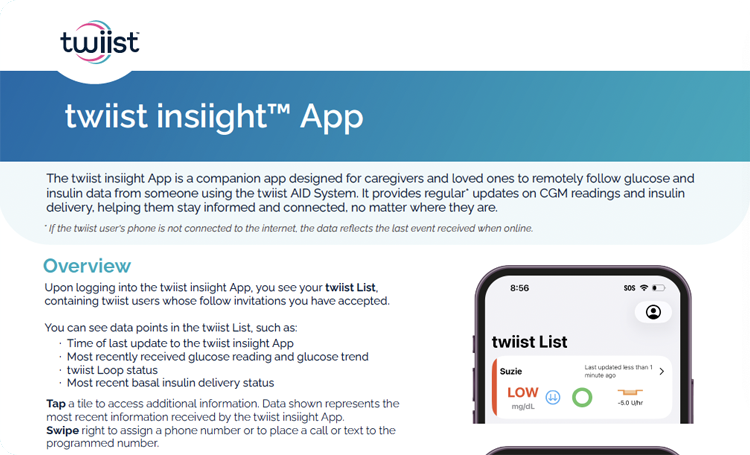 twiist insiight App
An overview guide to the insiight companion app and its features. The twiist insiight App lets caregivers see their loved one's glucose, insulin, and carbohydrate information at a glance, from their phone or compatible smartwatch, wherever they are.
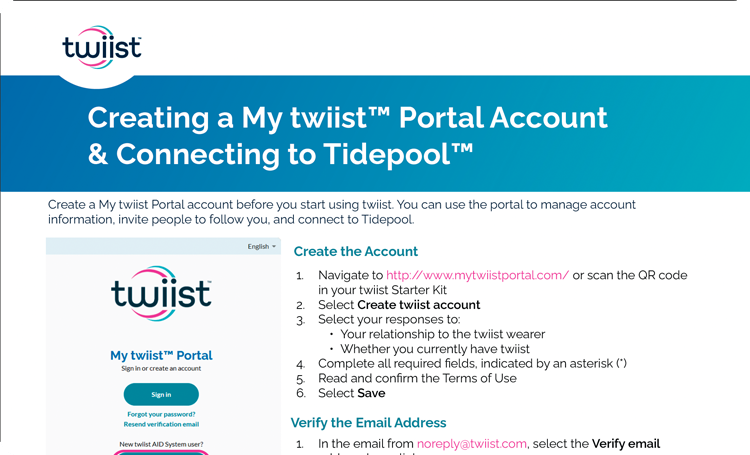 Creating a My twiist Portal Account and Connecting to Tidepool
Instructions for setting up a My twiist Portal account and linking it to Tidepool for data sharing with your twiist pump.
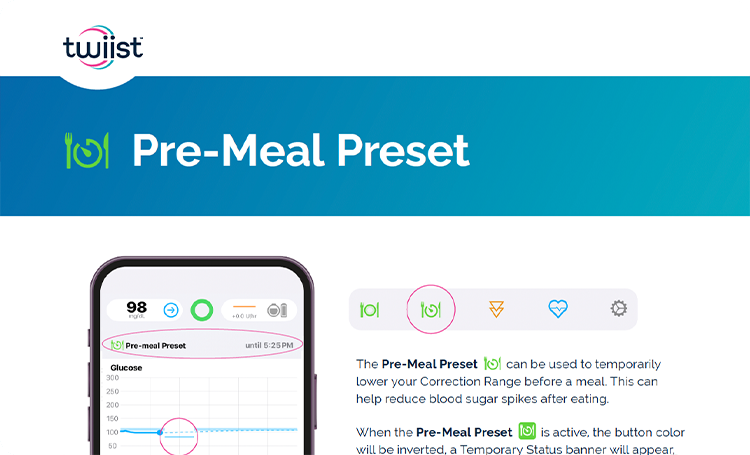 Pre-Meal Preset
Only twiist lets you preset your glucose target before meals. Learn how this unique feature works, and how it can be used to better control glucose at mealtime.
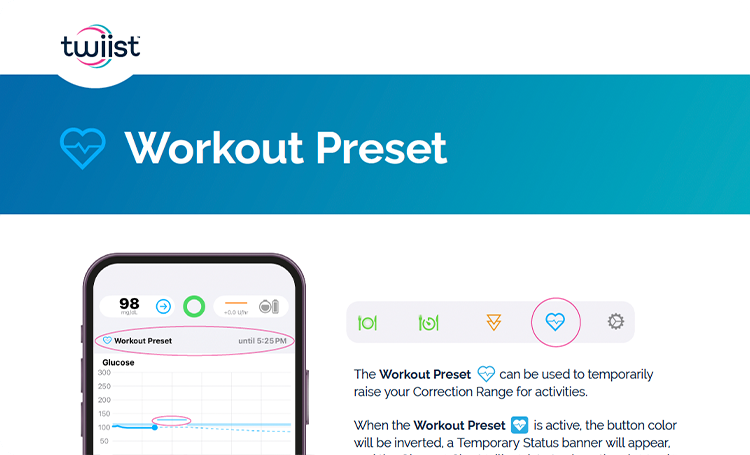 Workout Preset
How to enable and disable the workout preset feature to temporarily raise your Correction Range while doing activities.
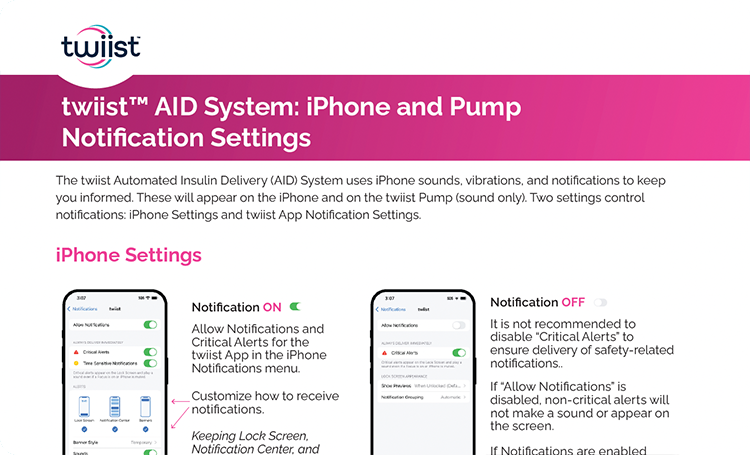 twiist AID System: iPhone and Pump Alert Settings
A guide to configuring alert and notification settings across the iPhone and twiist pump.
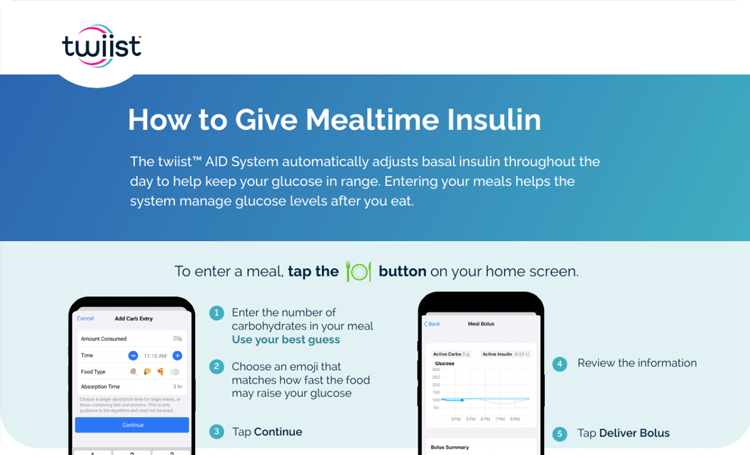 How to Give Mealtime Insulin
Step-by-step instructions for delivering bolus insulin at mealtimes, including using emojis to select different food absorption times.
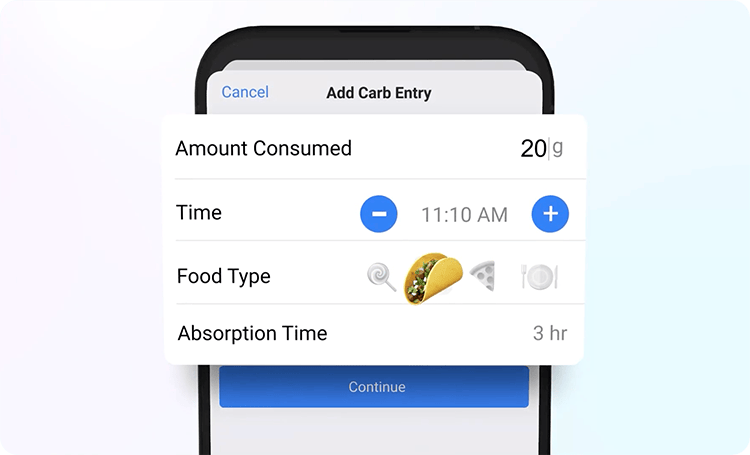 Carb Entry With the twiist AID System: Insulin Delivery & Absorption Tips!
A video that walks through how to enter carbs correctly and use the emojis to specify carb absorption time.
 Staying in Control With the twiist AID System: How to Use the Workout Preset
A video walkthrough of using Workout Preset to adjust glucose targets before exercise.

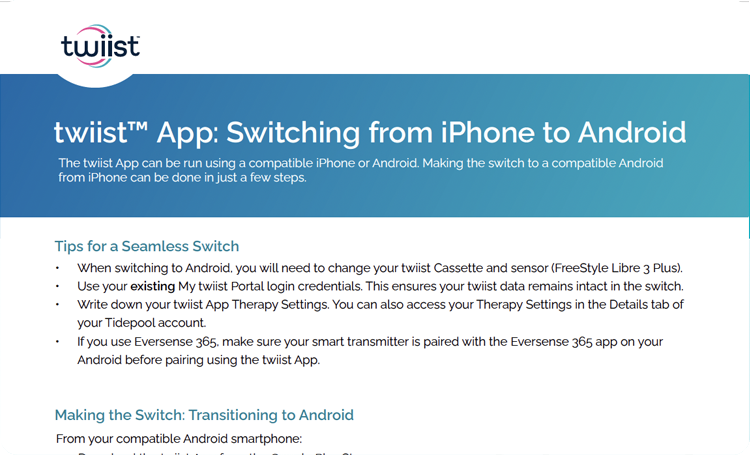 twiist App: Switching from iPhone to Android
A guide for switching the twiist App from Apple to Android devices, including how to configure therapy settings, and the key differences between using twiist with Android versus Apple.
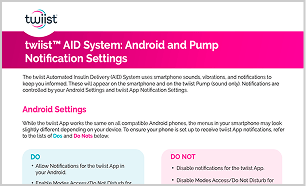 twiist AID System: Android and Pump Notification Settings
A guide to configuring the twiist App for Android devices, including setting notifications, alarms, and alerts.
Management tips
.webp) Traveling With twiist
Traveling With twiistTips on what to bring, how to pack, and how to approach security so you feel prepared for your next trip.
twiist™ App smartphone and smartwatch compatibility
Compatible smartphones
- iPhone
- Samsung Galaxy S25
- Google Pixel 9a
Operating system
- iOS 18 and above
- One UI 8.X
- Android 16 & 17
Compatible smartwatches
- Apple Watch running OS 11 and newer
- Google Pixel Watch 3
- Google Pixel Watch 4
- Galaxy Watch
- Galaxy Watch 8 Classic

Get help & connect
We're here to support your twiist experience every step of the way. From setup to everyday use, our Customer Care Team is committed to providing you with the care you deserve.
24/7 product support. Day or night, our product team is just a call away. Whether you need a quick answer or step-by-step guidance, we’re ready to get you back to what matters most: living life on your terms.

Call us toll-free 1-877‑4 twiist (1‑877‑489‑4478)

Already have twiist? Access your My twiist™ Portal account here.


Interested in the latest news and announcements about twiist?
Browse press releases

Adhesive options for on-body wear are currently being developed.


